Find a beautiful passage
Choose a worthy line from a book, poem, Scripture, fable, or lesson.

A gentle worksheet maker for growing hands
Turn a beautiful line from a favorite book, poem, Scripture, or fable into a personalized, ready-to-print copywork sheet in just a few clicks.
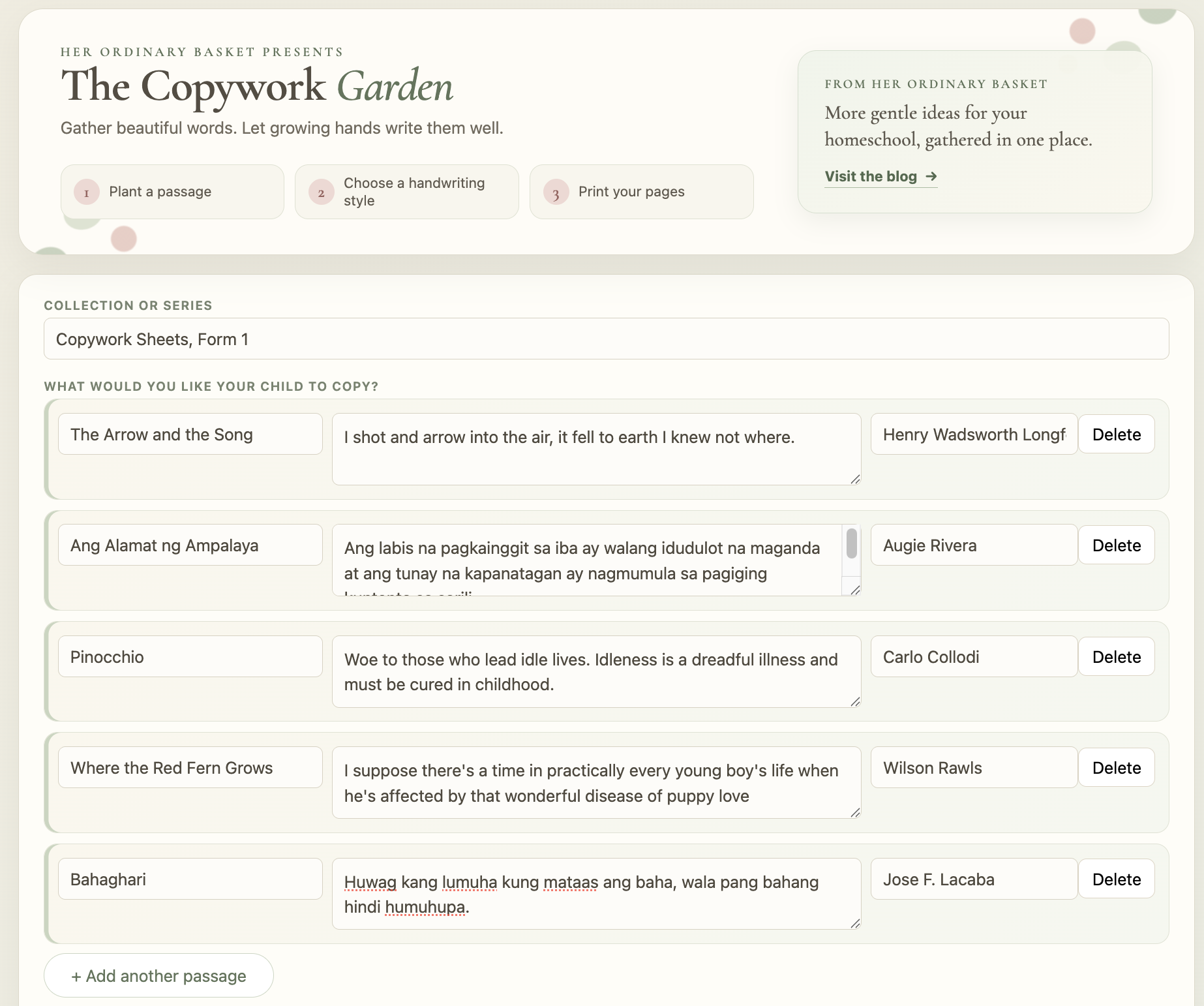
a peek inside the garden
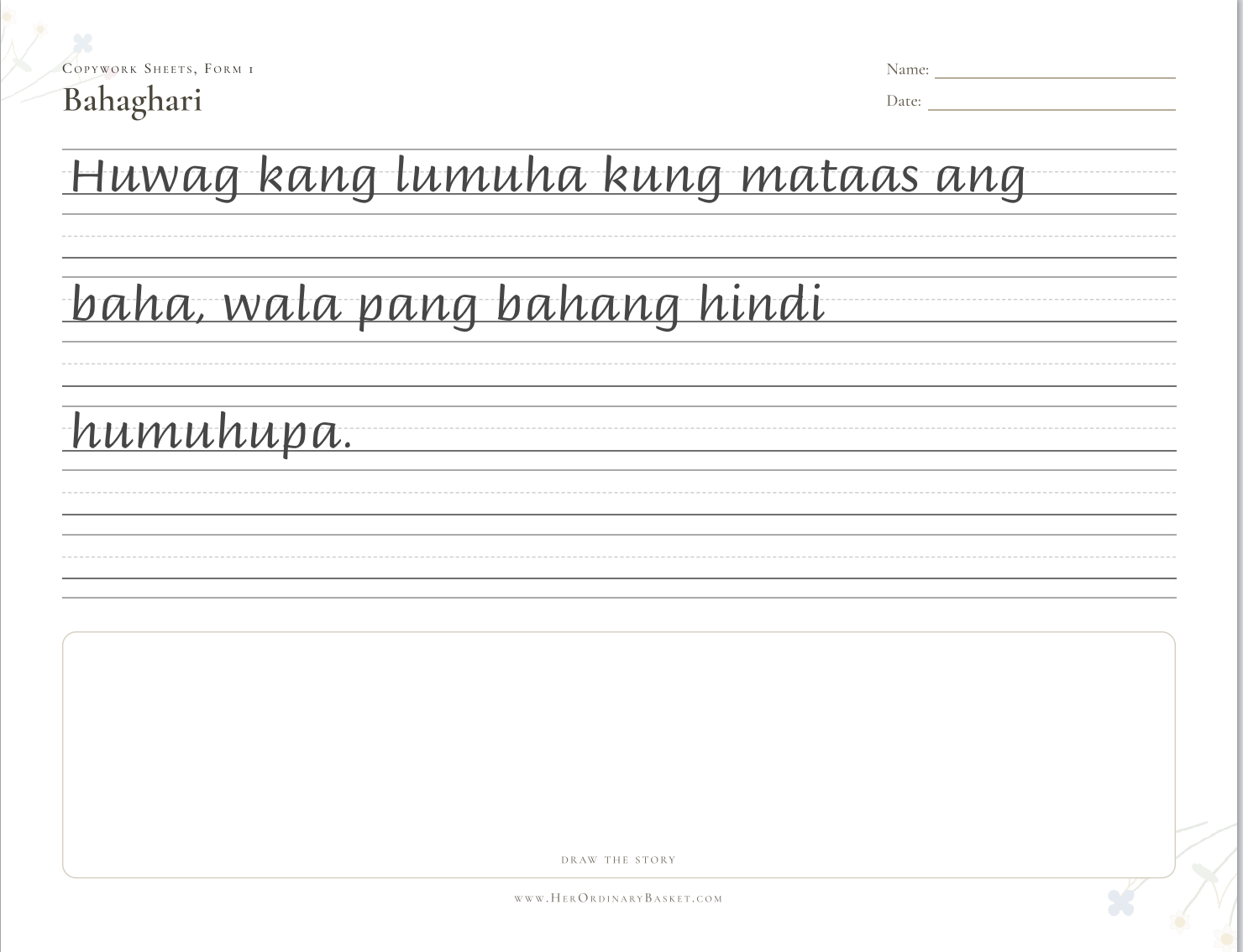
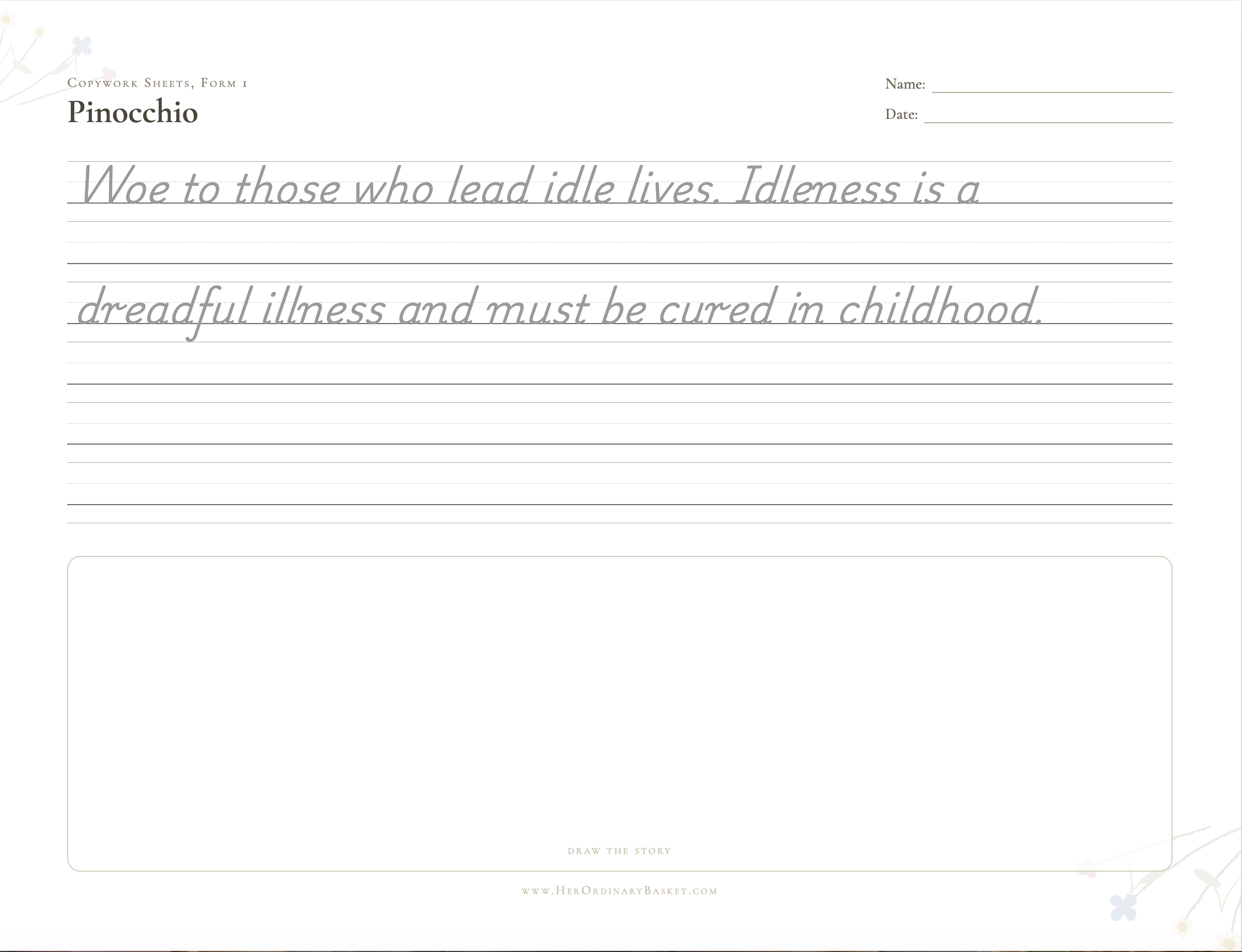
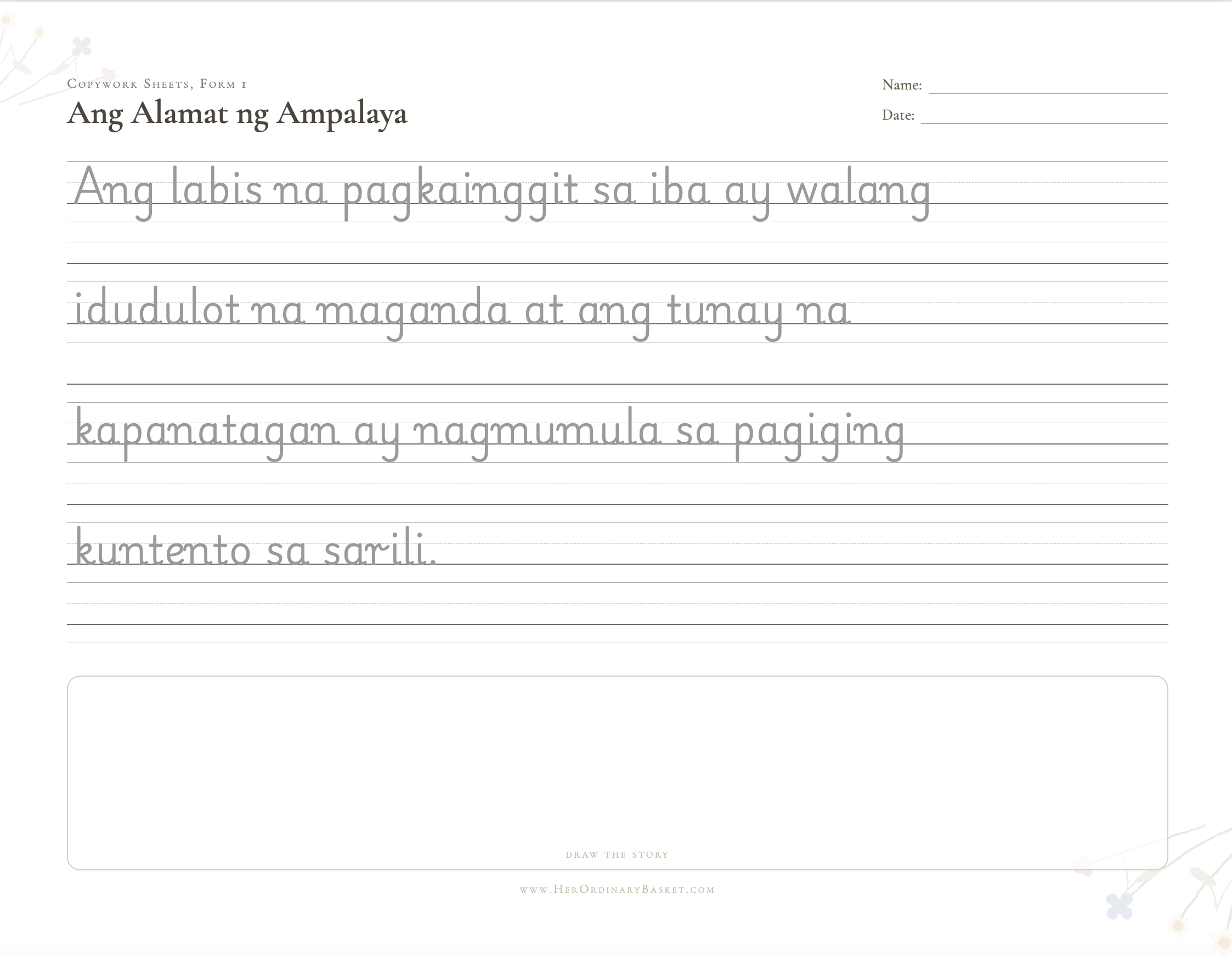
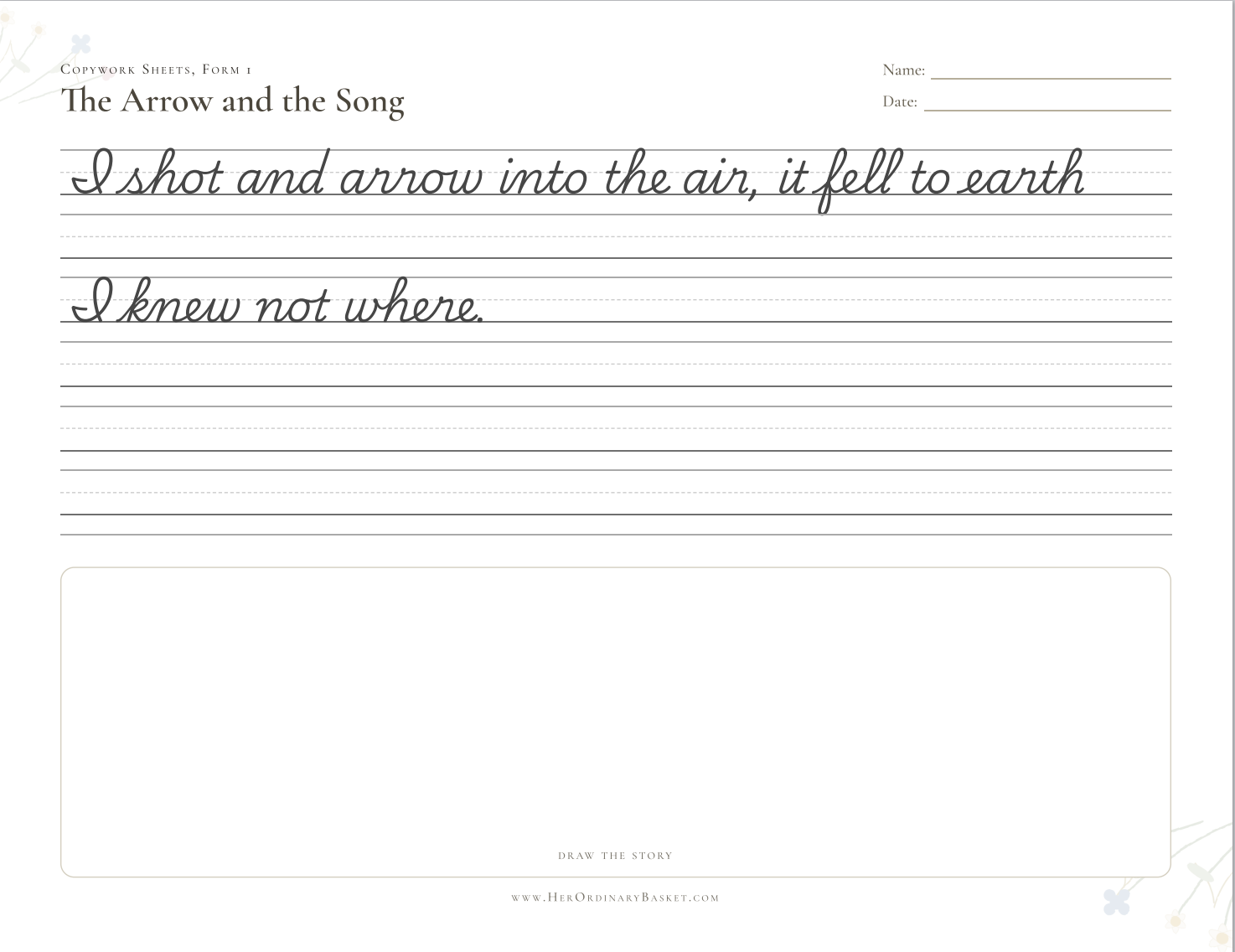
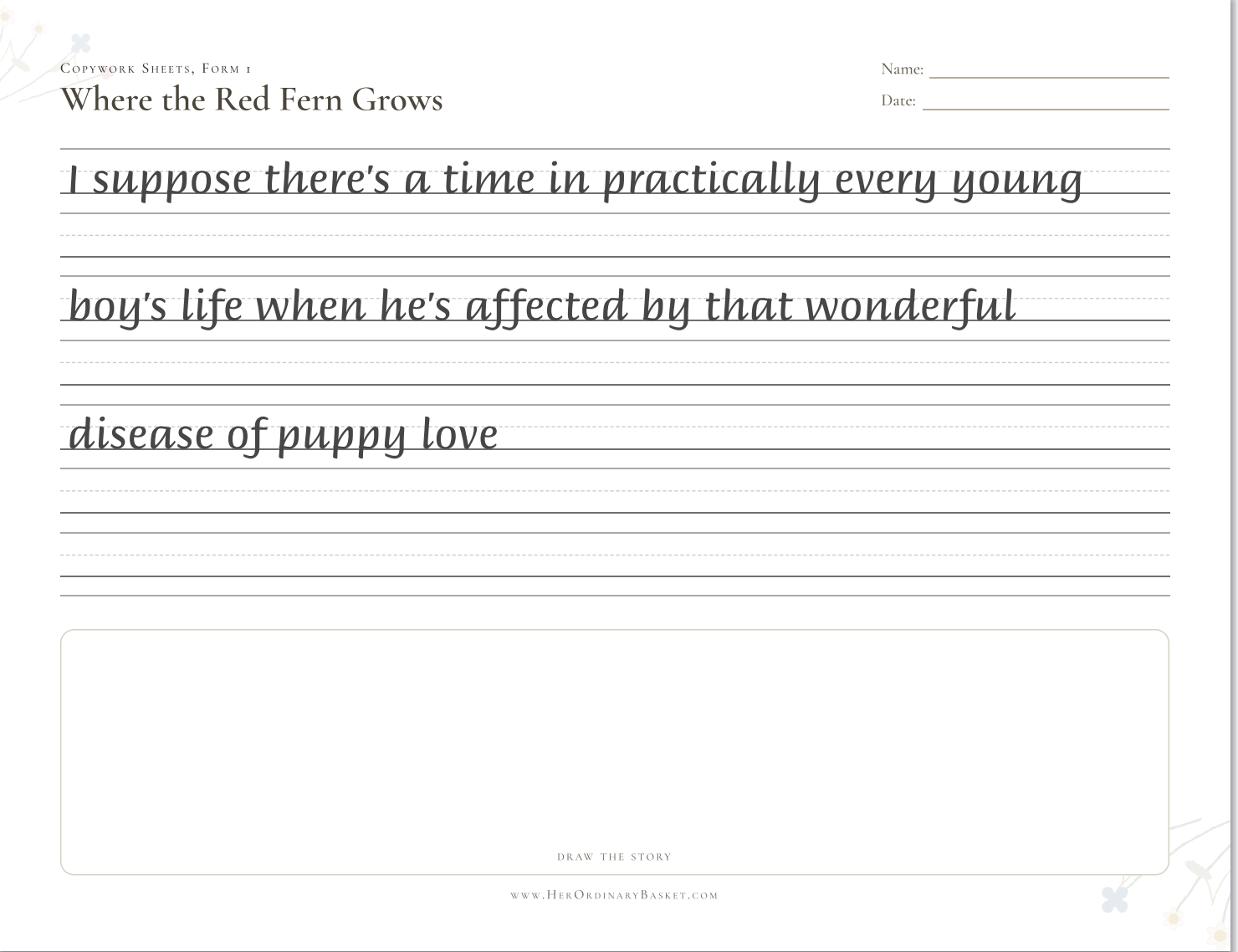
The Copywork Garden is for homeschool parents who want to use passages from the books their children are already reading, without designing every worksheet from scratch.
Use the exact sentence, verse, or short passage that fits your child’s current lesson.
The tool arranges the title, source, model text, handwriting lines, and drawing area for you.
Choose a style and adjust the lines to better suit your child’s growing hand.
From book to printable
Choose a worthy line from a book, poem, Scripture, fable, or lesson.
Add the passage, then choose the handwriting style, copywork format, lines, and theme. Add as many passages as you like to build a full collection.
Print the finished page or save it as a PDF, ready for your next lesson.
What’s inside
Choose from Briem Hand, Classic Print, Classic Cursive, Italic Calligraphy Script, and other handwriting styles.
Trace, copy below the model, or trace first and then copy independently.
Control the number, height, spacing, and middle guide of the handwriting lines.
Choose Garden, Meadow, Woodland, or Bare & Simple for ink-saving days.
Add a small or large drawing area, upload an illustration, or remove the box.
Use A4 or US Letter in portrait or landscape, then print or save as PDF.
Name a set — like "Copywork Sheets, Form 1" — then add passage after passage, each with its own title, text, and author or source. Print the whole collection together.
Add passages in whichever language your child is learning to write in.
Ready for your basket
One simple tool, reusable for different children, lessons, and passages.
How to get it
Open GCash, scan the code below, and send ₱98 — the amount is already set.

The reference number is on your payment confirmation — it helps us match your order. You'll also be added to our newsletter.
Your download link appears right here the instant you submit — no waiting.
Submitting adds you to the Her Ordinary Basket newsletter, and your download appears right here the instant you submit.
No. The Copywork Garden is ₱98 as a one-time payment.
Yes — submitting the order form also adds you to the Her Ordinary Basket newsletter, so you'll hear about new homeschool resources. You can unsubscribe anytime.
Pay ₱98 via GCash, then enter your email and GCash reference number in the form above. Your download appears right there on the page the instant you submit.
Email us at hello@herordinarybasket.com and we'll find another way to get this to you.
Yes. You can reuse the tool for different children, passages, and lessons in your own household.
Yes. Name a collection, then add as many passages as you like — each with its own title, text, and author or source — and print or save the whole set together.
Yes. Print them directly or use your browser’s print menu to save them as PDF files.
Yes. It supports A4 and US Letter in both portrait and landscape.